ActiveCampaign Explained: Features, Automations, and Use Cases
ActiveCampaign is one of the most well-known marketing automation platforms. This article shows when its use makes sense, which structures are required, and how marketing automation works in practice.
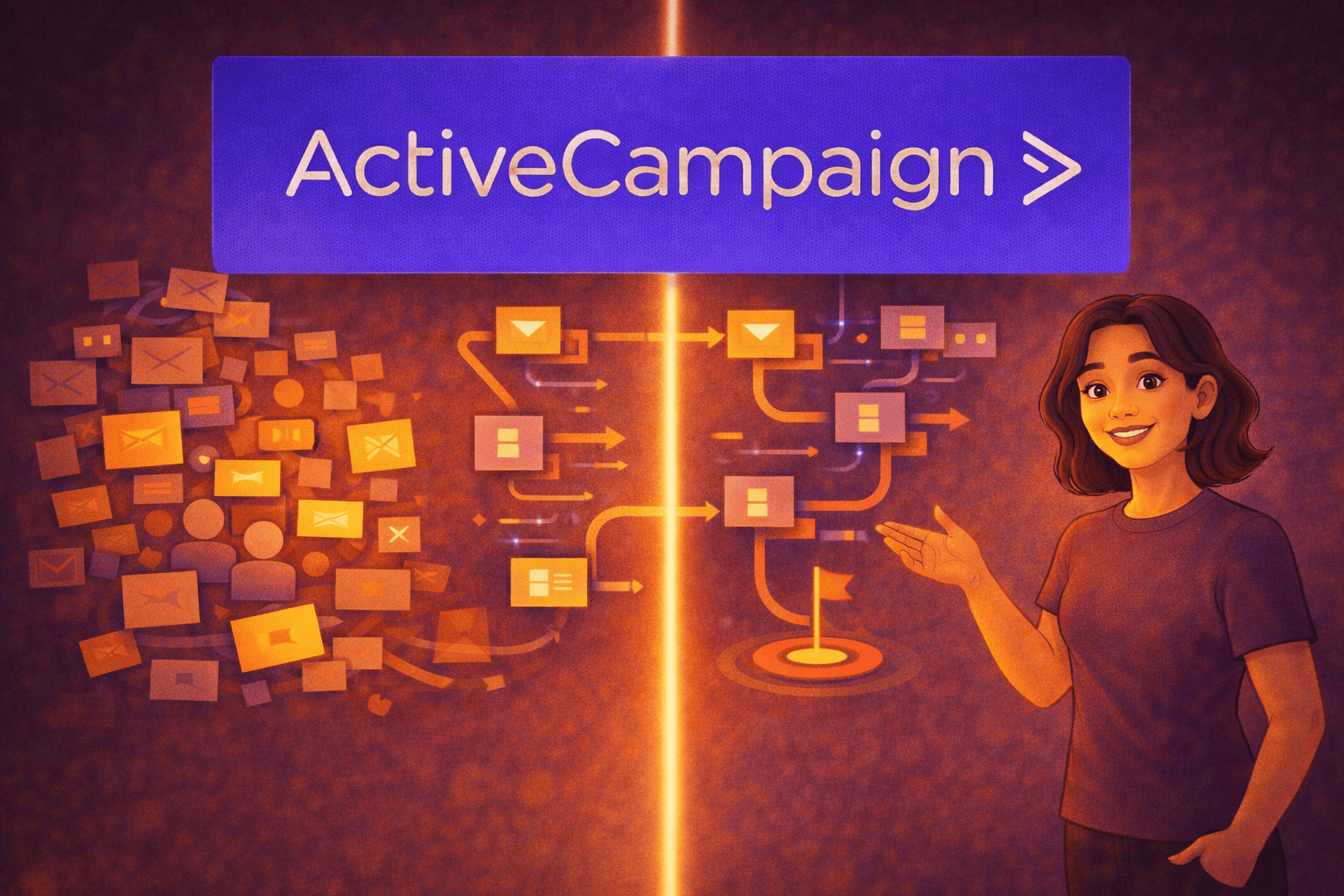

Email marketing has long been a core part of everyday operations for many businesses.
Newsletters inform subscribers about new offers, campaigns are announced, and contacts are reached on a regular basis. As long as a company remains manageable and target groups are clearly separated, this approach usually works reliably.
With increasing growth, however, the initial situation changes.
Contacts develop different interests, decision-making processes become more complex, and the number of touchpoints increases. At the same time, expectations rise to make communication more personal, more relevant, and easier to manage, without having to manually oversee every single step.
ActiveCampaign usually comes into focus when traditional email marketing still works, but no longer provides clarity.
To properly categorize ActiveCampaign, it makes sense to first take a step back. Marketing automation rarely emerges out of curiosity; it almost always results from the experience that conventional email communication reaches natural limits as a company grows.
Why email marketing reaches its limits without automation

Traditional email marketing in many companies is based on fixed lists and scheduled campaigns. Content is prepared, scheduled, and sent to defined recipient groups.
As long as target groups are clearly separated, this approach can be managed well.
In practice, however, these conditions often change faster than existing structures allow. Companies grow, offerings become more diverse, and target groups can no longer be clearly categorized.
Typical challenges include:
- Contacts have very different interests and information needs
- Purchase decisions take longer than originally expected
- Customers move between multiple touchpoints at the same time
At this point, traditional email marketing begins to lose its effectiveness.
A single, uniform message sent to all recipients no longer reflects the real situation of individual contacts. Relevance is no longer created by the sending time, but by context.
This is exactly where the transition from simple email marketing to marketing automation begins.
Who ActiveCampaign is relevant for and how to recognize it

Not every company needs an automated marketing system right away.
Many operate successfully for a long time with simple newsletters, especially when offers, target groups, and decision-making processes are clearly defined.
It usually becomes critical when marketing is carried out regularly but increasingly loses orientation.
Typical signs of this lack of orientation are:
- The email list continues to grow, but responses decline
- It is unclear which contacts are genuinely interested
- Multiple offers are difficult to separate communicatively
- After inquiries, a high level of manual coordination is required
- Decisions are delayed despite regular communication
Important:
When this pattern occurs, the issue is rarely the content itself. In most cases, what’s missing is a structure that meaningfully categorizes contacts and correctly interprets signals.
If you’re unsure whether ActiveCampaign currently makes sense for your business, our short checklist can help you assess your situation in a structured way. It summarizes typical signs, processes, and challenges that often arise in daily operations but are not always consciously recognized.
Here: Download the checklist as a PDF!
What ActiveCampaign is and how the system works

ActiveCampaign combines email marketing with automations, segmentation, and contact-based data.
The focus is not on the volume of emails, but on the ability to respond appropriately to specific situations.
The core idea is simple: marketing decisions are defined in advance as rules and are not made from scratch every single time.
Basic principle of the system logic
- An event occurs, for example a sign-up, click, or page visit
- A defined action follows, such as an email, tag, or segment change
- A goal is reached or a process ends
This logic ensures that communication remains reproducible, traceable, and scalable. Let’s move on to automation.
Automations explained in a clear and simple way

Automations form the functional core of ActiveCampaign.
They ensure that previously defined rules do not merely exist in theory, but are reliably executed in day-to-day operations. Instead of performing individual steps manually, workflows are designed to run independently and transparently.
It is important not to view automations as rigid sequences.
They do not react to schedules, but to concrete behavior. A contact triggers a process through a specific action and is then guided forward in a meaningful way depending on subsequent interactions.
Typical triggers for automations in ActiveCampaign include:
- Filling out a form
- Opening or clicking an email
- Visiting a specific page
- A longer period of inactivity
These triggers are based on real signals. They indicate what a contact is engaging with, or not. This is precisely what distinguishes them from traditional campaigns, which are planned independently of actual behavior.
These triggers are followed by actions that represent the next logical step.
This can include sending relevant content, adding information to the contact profile, or moving the contact into another process. Automations do not replace decisions; they ensure that once decisions are made, they are applied consistently.
In practice, this means:
Communication is not automated to save work, but to create structure.
Concrete use cases from everyday practice

The real value of ActiveCampaign becomes apparent less through individual features and more through everyday situations that recur regularly in many businesses.
It’s not about special cases, but about processes that must function reliably, even when time or resources are limited.
A typical example of such reliable processes is the onboarding of new contacts.
Instead of manually guiding each new subscriber, contacts receive information step by step, with each message building on the previous one. This creates orientation without requiring personal effort. The advantages of structured automations are also evident when following up on form inquiries.
Requests are not forgotten but are systematically continued. Especially when multiple inquiries run in parallel, this ensures reliability and clarity.
Other common use cases include reactivating inactive contacts or pre-qualifying leads before personal conversations.
Behavioral signals help assess which contacts are actively engaging with a topic and which are still at an early stage.
What all these use cases have in common is that they structure recurring workflows without making communication impersonal.
Segmentation as the foundation of relevant communication

Segmentation is one of the central elements of ActiveCampaign.
It ensures that contacts are not addressed in a generic way, but are categorized according to their individual situation. This classification forms the foundation for every meaningful automation.
In practice, segmentation means that information is distributed deliberately.
A contact who has already consumed content on a specific topic multiple times requires different information than someone who is just beginning to explore the subject. Without this differentiation, scatter loss quickly occurs.
Typical criteria for segmentation include:
- Observed behavior such as clicks or page visits
- Expressed interests from forms or interactions
- The current status within a process
Especially as contact lists grow, segmentation becomes a prerequisite.
It ensures that communication remains transparent and that important signals are not overlooked. Only through clean segmentation can automations be controlled precisely and further developed in a meaningful way.
CRM features in ActiveCampaign

ActiveCampaign includes an integrated CRM that is deliberately designed with a strong marketing focus.
The emphasis is less on complex sales logic and more on making contact histories transparent and easier to interpret.
All relevant interactions of a contact are captured centrally.
This makes it visible what a contact has engaged with, which content was relevant, and how interest has developed over time. In addition, simple pipeline structures can be mapped to assign contacts to clear phases. This is complemented by lead scoring, which evaluates behavior and provides signals about decision readiness.
ActiveCampaign does not replace a full-scale enterprise CRM, but it helps meaningfully connect marketing and sales processes.
How much effort can realistically be expected

Getting started with ActiveCampaign requires less technical expertise and more clarity about your own processes.
The greatest effort does not come from the tool itself, but from preparation. Companies first need to be clear about which workflows should be supported and which goals are being pursued. Only on this basis can automations be set up in a meaningful way.
Realistically, getting started involves time for goal definition, building initial automations, and a learning phase when working with segments and tags.
This phase is necessary to understand the system and use it properly. Once this foundation is in place, the ongoing maintenance effort is significantly reduced. Many processes then run reliably in the background, while adjustments can be made in a targeted manner.
Typical risks and when ActiveCampaign is not the right choice

As powerful as ActiveCampaign is, it should be just as clear that it is not suitable for every business.
Difficulties usually arise when fundamental prerequisites are missing. It becomes particularly problematic when marketing plays no strategic role, processes are intentionally left unplanned, or no one takes responsibility for maintenance and further development.
Companies that only want to send simple newsletters also make little use of the system’s potential.
In such cases, frustration does not arise because of the tool itself, but because of a lack of structure. An honest assessment of your own requirements is therefore essential.
The role of clean input data
Automations can only work with the information available to them.
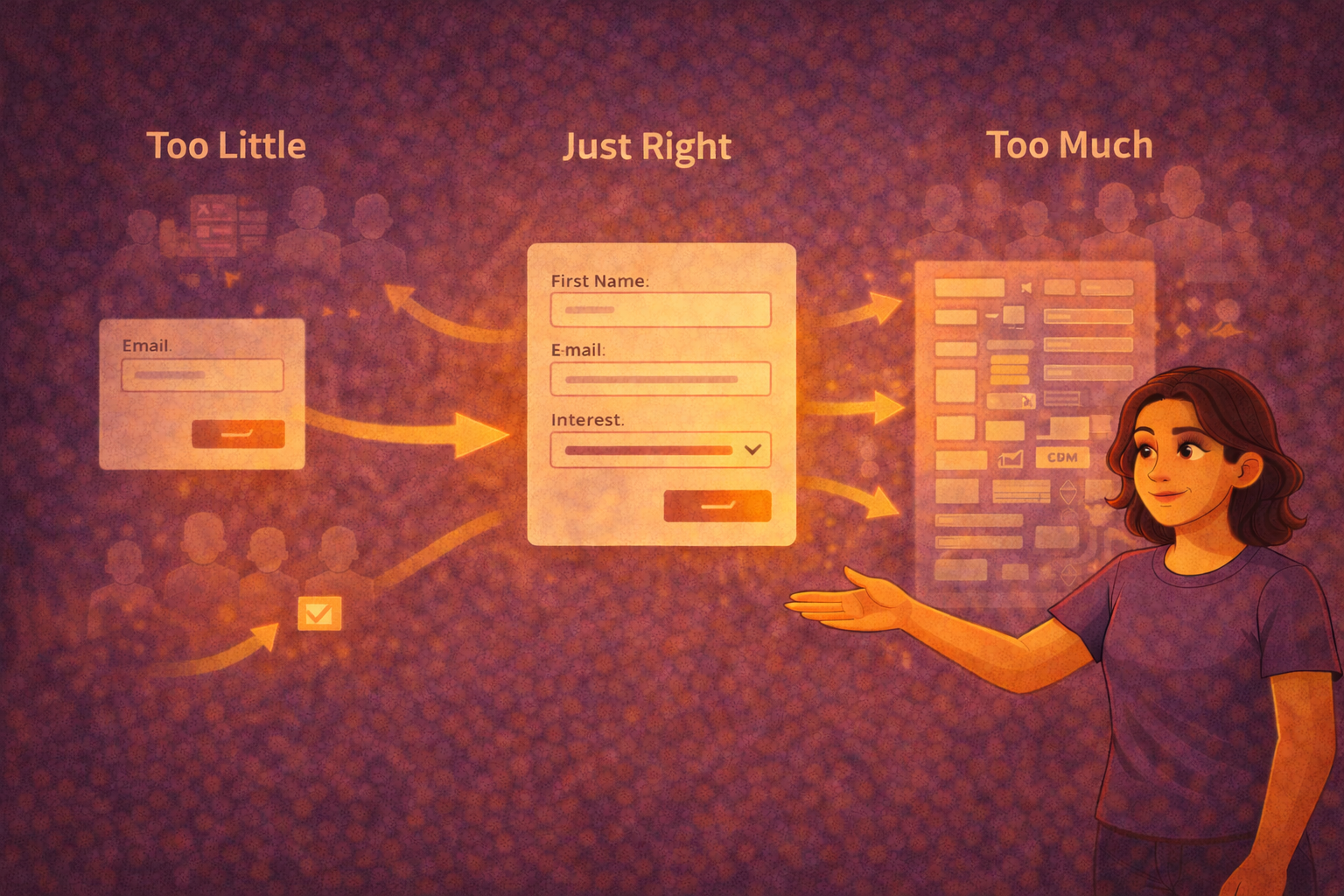
For this reason, clean and well-thought-out data collection is essential. Forms, in particular, often reveal just how critical the quality of input data really is. If too little information is collected, important foundations for segmentation are missing later on. How important well-structured forms are as a foundation for automations is explained in our article “How To Create WordPress Contact Forms & Forms”
If too many or unclear fields are used, conversion rates decline.
Clean input data ensures that automations function correctly and that contacts are categorized in a meaningful way. It forms the basis for all subsequent steps within ActiveCampaign.
ActiveCampaign in combination with funnels

ActiveCampaign unfolds its full potential especially when it is embedded in clearly structured funnels.
Email marketing plays a connecting role between the individual phases of the customer journey. In the early stages, the focus is on orientation and information. Later, trust-building and decision-making move to the forefront.
Automations ensure that these phases build logically on one another and that contacts do not lose their way.
Marketing automation does not become an isolated channel, but an integral part of the entire process.
A pragmatic introduction to ActiveCampaign
For getting started, it is advisable to begin deliberately small. One clearly defined use case, a central automation, and a few easy-to-understand segments are sufficient to become familiar with the system.
This approach prevents overwhelm and creates a solid understanding. On this foundation, processes can later be expanded and refined in a targeted manner.
Conclusion:
ActiveCampaign is a powerful marketing automation tool that is particularly convincing when processes are clearly defined and data is used in a structured way.
It helps companies manage communication transparently and implement recurring workflows consistently, even as complexity grows. At the same time, ActiveCampaign does not replace a marketing strategy and does not make decisions.
Its strength lies in reliably translating strategic guidelines into everyday operations and making them effective over the long term.
Automations, segmentation, and contact-based data ensure that communication remains context-driven and does not need to be managed manually.
For companies that want to systematically further develop their email marketing, ActiveCampaign offers a practical and scalable foundation.
What matters less is the range of features and more the maturity of internal processes. Those who create clarity around goals, workflows, and responsibilities use ActiveCampaign not just as a tool, but as a structuring component of the entire marketing and sales process.