Mailchimp Automation for Successful Email Marketing
Here you’ll learn how to use Mailchimp automations strategically and achieve greater, long-term impact.
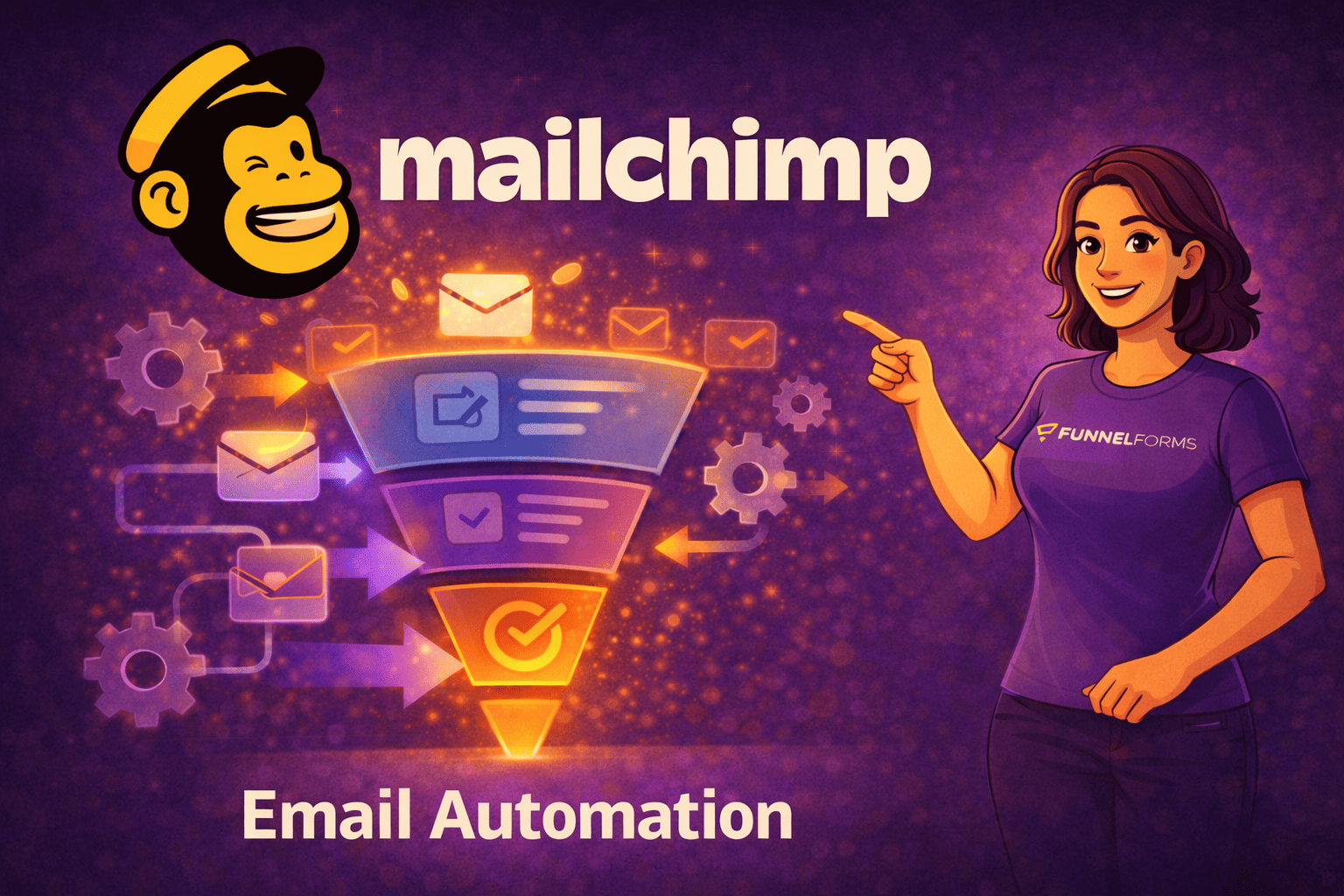

Email marketing reaches its full impact not when you send as many newsletters as possible, but when each message is sent at the right time, to the right person, and with a clear goal.
This is exactly where automations come into play.
Automations are the key if you want to work in a scalable way without repeating the same process every day. They ensure that the right content is automatically sent exactly when the reader truly needs it.
For you as an entrepreneur, this means:
More time for strategic tasks, while your marketing works reliably in the background.
In this article, I will show you in a practical way how to set up Mailchimp automations that truly work and how to sensibly combine them with forms, funnels, and existing systems. To implement this principle in practice, you first need to understand how Mailchimp automations fundamentally work and what they are specifically used for.
What are Mailchimp automations and what are they used for?
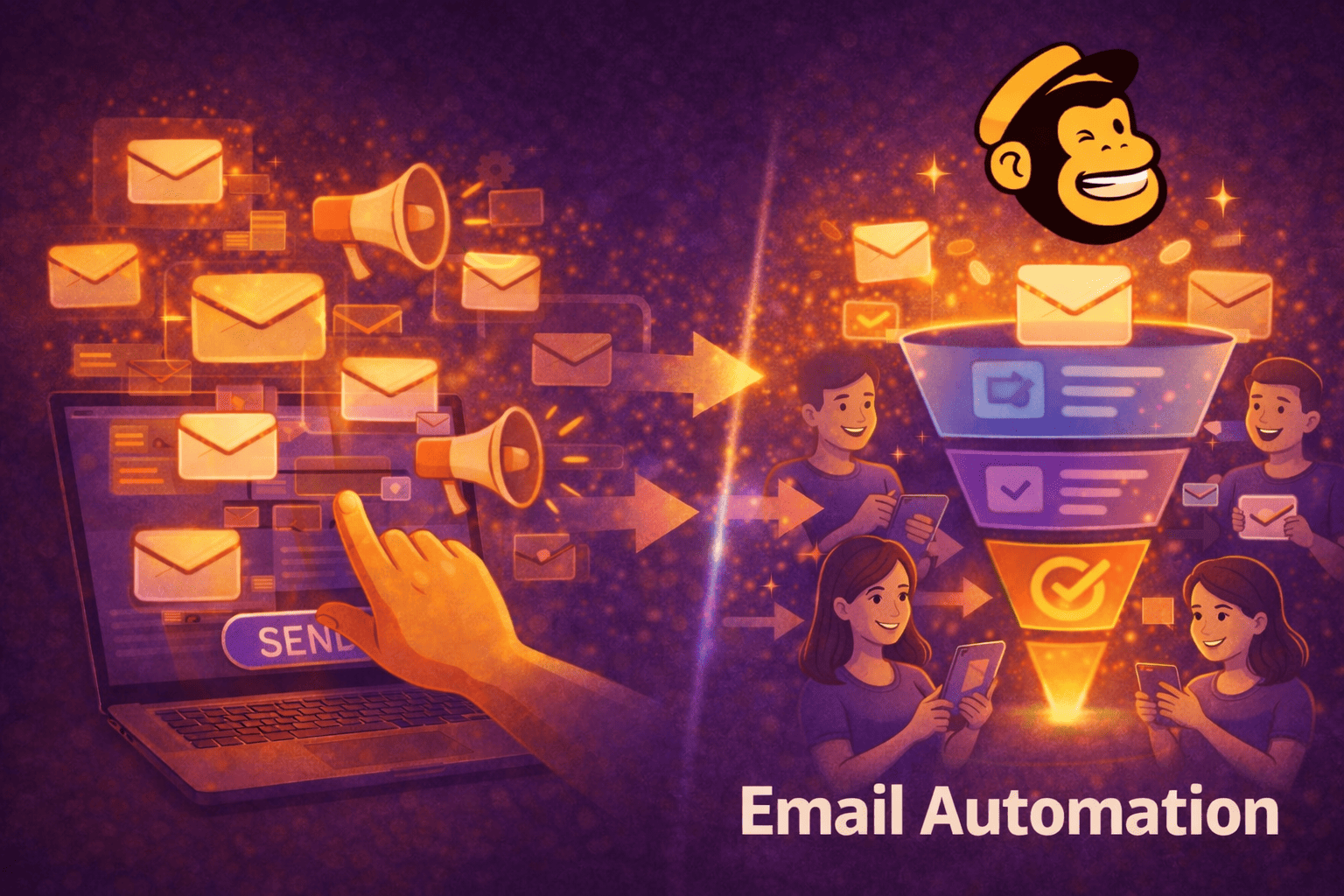
Mailchimp automations are automated email sequences that are triggered as soon as a contact performs a specific action or meets a defined condition.
Typical triggers include:
- a newsletter sign-up
- a click on a link
- a purchase or an abandoned purchase
- a longer period of inactivity
The big advantage:
You no longer have to react manually. Once created, these processes run continuously.
For these triggers to work cleanly, it is crucial how contacts enter your system in the first place. You can learn in detail about the role structured forms play in this process in the article “WordPress contact forms & creating forms”.
But even with perfect entry points, one central question remains: what is the actual difference between an automation and a classic newsletter?
Automations compared to classic newsletters
A classic newsletter is sent manually and reaches all recipients at the same time with the same message.
An automation, on the other hand:
- responds to individual user behavior
- dynamically adapts content
- runs automatically and in a personalized way
The result:
More relevance, less scatter loss, and significantly better performance.
Especially in the WordPress environment, a clear advantage of modern funnel setups becomes apparent here. You can also read why classic form plugins quickly reach their limits in the comparison “Contact Form 7 Alternative – Funnel Forms”.
Once this fundamental difference is clear, the next crucial question arises: in which specific situations and phases of the customer journey do Mailchimp automations deliver their greatest value?
Typical use cases of Mailchimp automations

With automations, you can work along the entire customer journey:
- Lead nurturing: New contacts are gradually introduced to your offer.
- E-commerce: Abandoned carts are recovered, follow-up purchases are prepared.
- Customer retention: Follow-ups, reactivations, and personal occasions build trust.
- Efficiency: Once set up, automations work for you continuously.
These use cases become especially effective when the underlying triggers are set up cleanly.
This is exactly where multi-step forms show their strengths, because they generate qualified contacts early and allow you to control automations more precisely.
We show you how to set them up and why they massively increase lead quality in the article “Building multi-step form - Your ultimate guide”. However, for these use cases to work reliably in practice, a few basic prerequisites must be in place.
Prerequisites for functioning Mailchimp automations
Before you create your first flow, a few fundamentals should be in place.
Mini setup check before you start
- A clear goal per automation (e.g., first purchase, reactivation, retention)
- Cleanly structured contacts (via tags or segments)
- Clearly defined triggers
- Active double opt-in
- Test contacts for the flow
- An authenticated sending domain
The quality of your contacts is the deciding factor for success or failure here. If these fundamentals are clearly in place, you can confidently move on to the specific automations that have the greatest impact in practice.
The most important Mailchimp automations explained step by step
1. Welcome automation
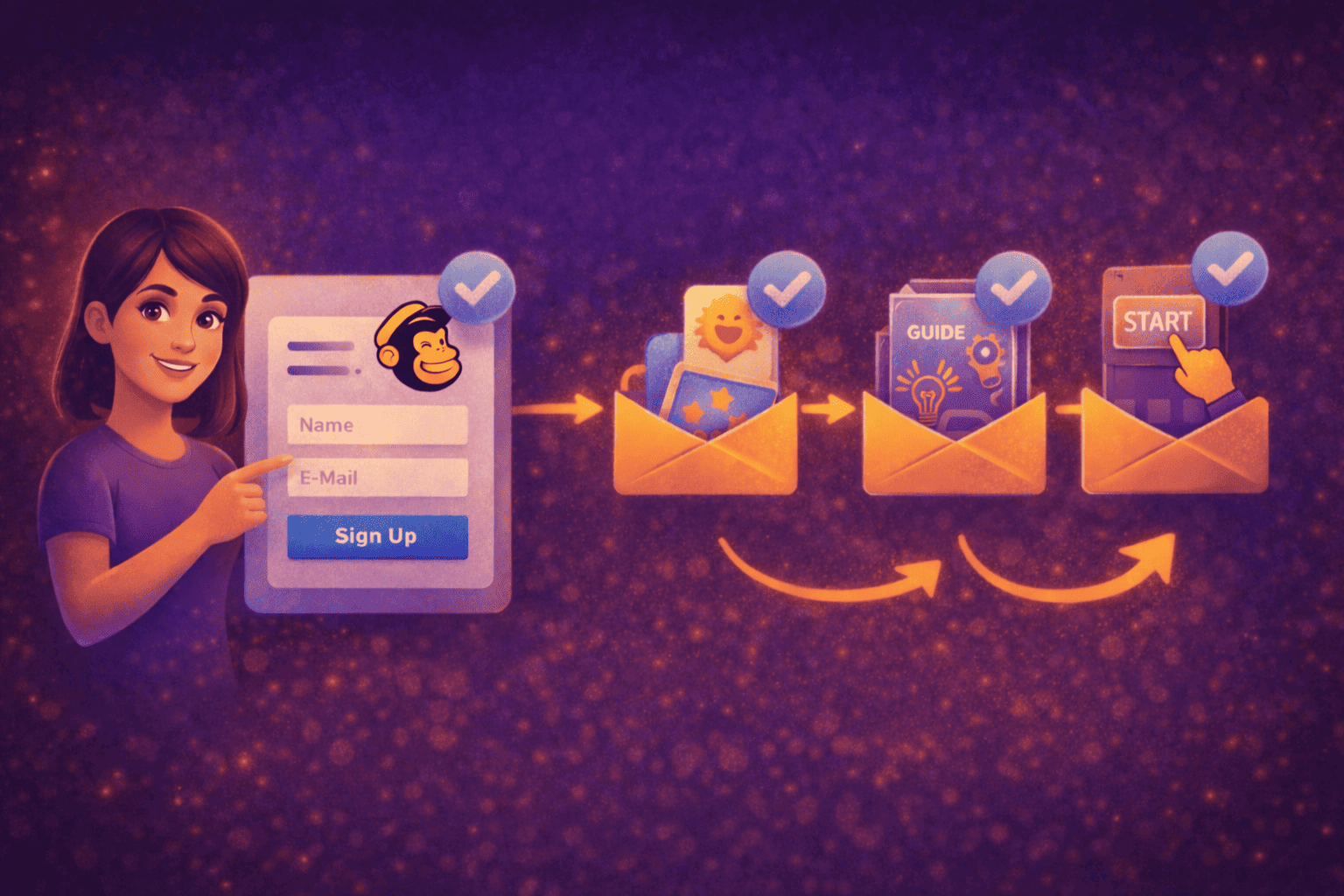
The welcome automation is often the first real point of contact between you and a new contact. This is exactly where it is decided whether trust is built or whether your newsletter is perceived as interchangeable.
When useful:
Directly after signing up for your newsletter, lead magnet, or offer.
Goal:
Build trust, clarify expectations, and prepare the next meaningful step.
Typically, the automation starts immediately after the sign-up. The first email welcomes the new contact, clearly explains the value of your content, and provides orientation. After a short pause, a second email follows that delivers real value, for example in the form of a guide, a concrete instruction, or a helpful tip. Only after that is the contact gently invited to take the next action.
Best practice:
Communicate transparently from the very beginning what content subscribers can expect and how often you will get in touch. This creates a sense of security and reduces later unsubscribes.
Common mistake:
Selling too early. If pressure is applied in the very first messages, trust suffers and engagement drops significantly. While the welcome automation primarily focuses on relationship building and trust, there are other automations where measurable results are more strongly in focus.
2. Abandoned cart automation

Abandoned carts are part of everyday life in e-commerce. A well-structured abandoned cart automation helps you specifically pick up existing purchase intent without coming across as aggressive.
When useful:
For shops with measurable cart abandonment and identifiable contacts.
Goal:
Increase conversion rates without immediately relying on discounts.
The flow is triggered as soon as a cart is filled but no purchase is completed. After a short waiting period, an initial email objectively reminds the customer of the open cart and highlights the benefits of the product. A second message addresses common objections, such as uncertainty or unanswered questions. Optionally, a gentle incentive can follow, such as free shipping or a limited-time benefit.
Best practice:
Timing is crucial. Reminders work best while purchase intent is still fresh.
Common mistake:
Too many emails in a short period of time. This creates pressure and is more likely to lead to rejection than to a conversion. Especially in e-commerce, it is worth embedding such automations into a higher-level funnel concept.
3. Occasion and birthday automations

Occasion and birthday automations are less focused on direct sales, but they have a strong impact on customer retention. They show the recipient that they are not just an email address on a list.
When useful:
When you have relevant profile data such as birthdays or anniversaries.
Goal:
Strengthen relationships and create positive brand experiences without sales pressure.
Such automations are triggered on a defined date and combine a personal approach with real added value, for example a personal greeting, exclusive content, or a small bonus.
Best practice:
Personality beats discounts. Authentic messages stay memorable and strengthen long-term loyalty.
Common mistake:
Impersonal standard texts that obviously feel automated and fail to create a genuine connection to the occasion. However, even well-maintained contacts do not necessarily remain active forever.
4. Follow-up and reactivation automations

Not every contact remains active permanently. Follow-up and reactivation automations help you identify inactivity early and respond to it in a targeted way.
When useful:
In cases of prolonged inactivity or repeated clicks without conversion.
Goal:
Check interest, reactivate contacts, or cleanly separate them.
The flow is triggered as soon as a contact no longer responds over a defined period of time. A first email reaches out in an appreciative manner and asks about the current level of interest. After a short pause, a second message follows with a clear decision option. The contact is then segmented accordingly.
Best practice:
Clarity over volume. A smaller, active list is more valuable than many inactive recipients.
Common mistake:
Continuing to email inactive contacts permanently. This damages the relationship and, in the long term, also harms deliverability. Especially with sensitive automations such as reactivations, it becomes clear how important clean structures and clear goals are for you. To ensure your automations do not fail due to small mistakes, it is worth taking a look at the most common pitfalls with Mailchimp automations.
Common pitfalls with Mailchimp automations

Your automations only deliver results when they are clearly structured, cleanly triggered, and regularly reviewed. In practice, however, it becomes apparent that many automations do not fail because of the idea itself, but because of small, avoidable setup mistakes.
A common stumbling block is missing or overly broad segmentation.
If all contacts are treated the same, automations quickly lose relevance. Equally critical are unclear or incorrectly configured triggers that fire too early, too late, or not at all.
Another mistake is sending too many emails within a single flow.
What is well intentioned often leads to overload instead of impact. This becomes especially problematic when automations go live without a test run or when results are not evaluated. In these cases, it remains unclear which content works and where optimization is needed.
An overly early focus on selling can also significantly reduce performance.
Contacts first need orientation and trust before they are ready to convert. If there is also no clear goal per automation, the entire flow loses direction.
If you keep these points in mind, you will save yourself a lot of frustration and avoid unnecessary corrections before they even arise.
Mini check
- Missing segmentation
- Unclear triggers
- Too many emails
- No test run
- No evaluation
- Too early sales focus
PS. Here is your personal Mailchimp automation checklist that helps you systematically avoid these mistakes. Use it as a fixed quality standard for every new automation.
Once you have these pitfalls under control, the next very practical question arises: which Mailchimp plan actually makes sense for your automations?
Which Mailchimp plans do you need for automations?
Which automations you can implement in Mailchimp largely depends on the plan you choose.
The key point:
Not every automation immediately requires a paid plan.
For getting started, the Free plan is often completely sufficient. It allows simple, linear automations, such as welcome emails or basic follow-ups. If you want to gain initial experience and test processes, this plan is a sensible starting point.
However, as soon as you want to implement more complex logic, finer segmentation, or multi-step automation paths, the Free plan quickly reaches its limits. In these cases, paid plans are necessary to control automations more precisely and scale them further.
Important to note:
Costs at Mailchimp scale with the number of your contacts. This means that not only the range of features, but also the quality of your list has a direct impact on your ongoing costs.
This is exactly why it pays off to focus on clean entry points, clear segmentation, and active contact management from the very beginning.
Conclusion
Successful email marketing does not come from having as many automations as possible, but from clear goals, clean triggers, and consistent evaluation. Automations help you send the right message at the right time automatically.
The decisive success factor lies in your preparation.
If you define goals clearly, segment cleanly, and focus on high-quality contacts, your automations will not only ensure a strong start, but also deliver long-term performance.
Our experience shows:
A few well-thought-out automations are far more effective for you than complex setups without a clear structure. If you build step by step and optimize based on data, a system emerges that grows sustainably with your business.